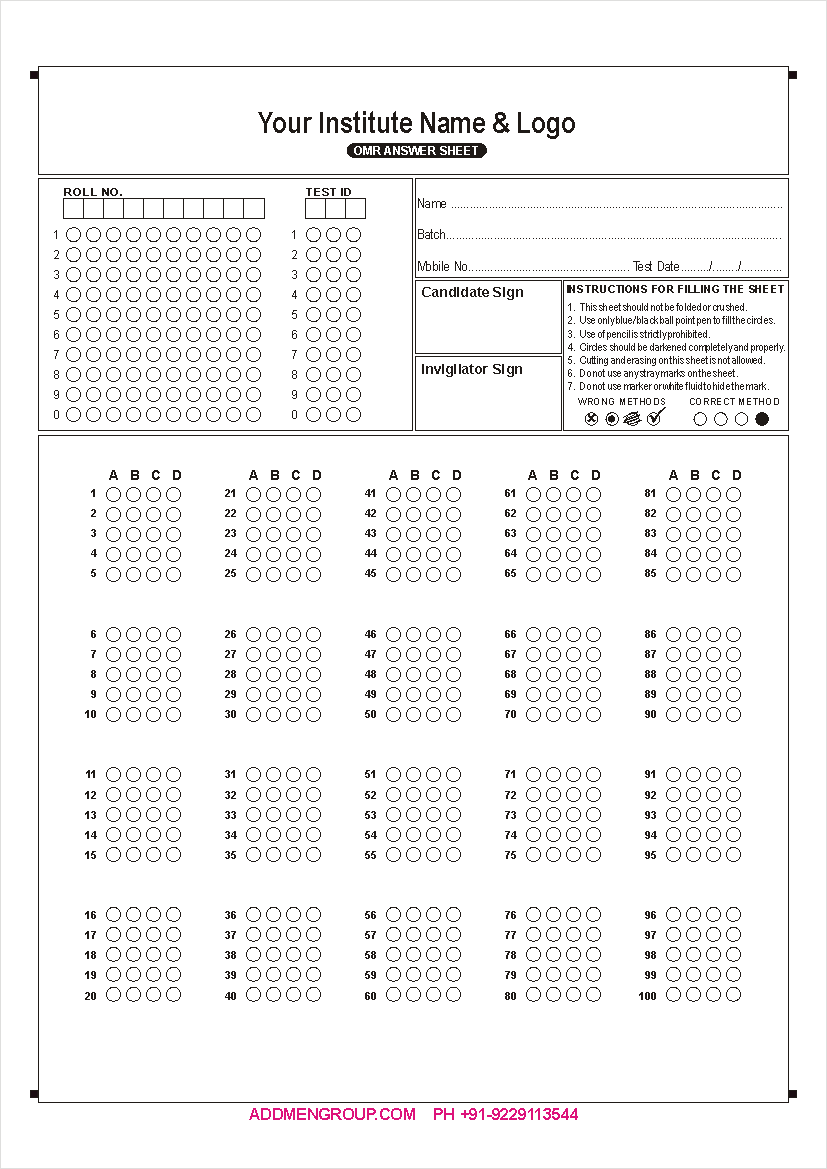
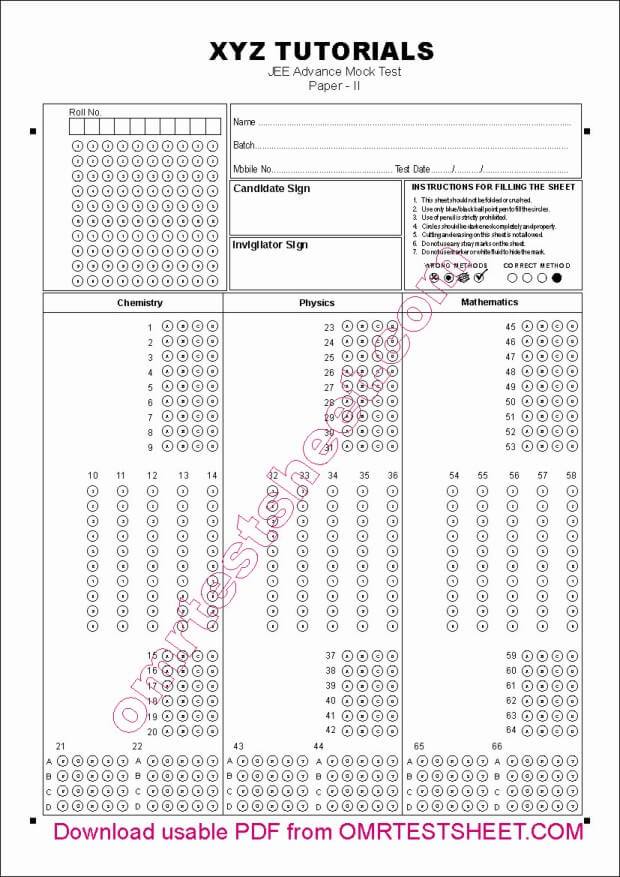
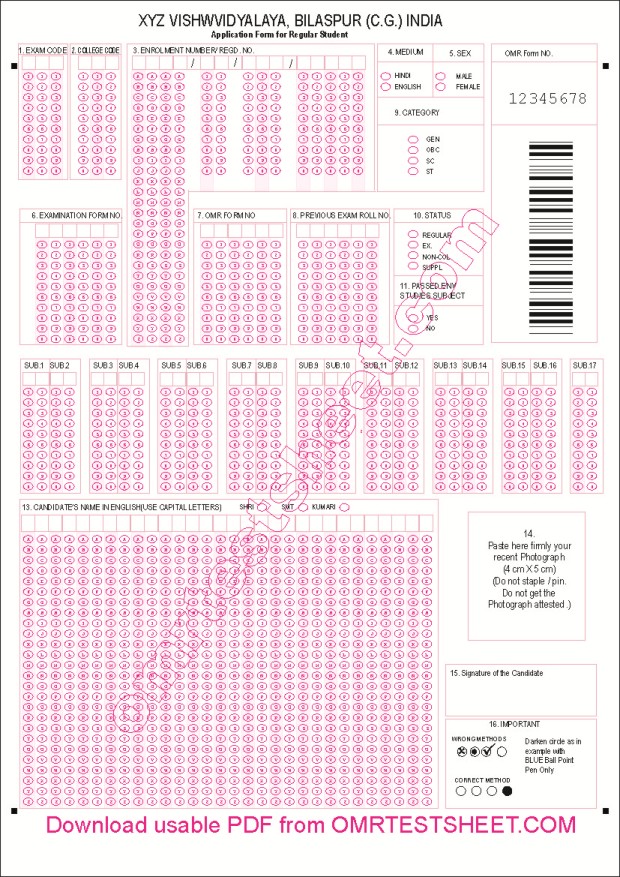
OMR Sheets are pre-printed forms containing bubbles, checkboxes, or blocks for marking responses.
These marks are read by OMR software to produce digital data for evaluation.
Other names: OMR Answer Sheet, MCQ Sheet, ORS (Objective Response Sheet), Bubble Sheet.
With Addmen OMR solutions, you can design, print, and scan your own OMR sheets, avoiding the need for expensive pre-printed sheets.
OMR Sheets are used for:
MCQ Examinations
Recruitment & Assessment Tests
Feedback & Survey Forms
Application & Admission Forms
Registration Forms
Attendance Sheets
Inventory Cards
Process Control Sheets
Ballot Papers
HR Projects & Outsourcing Activities
These sheets help in streamlining data collection, scoring, and reporting.
OMR Answer Sheets are primarily used for MCQ tests in schools, colleges, coaching institutes, and entrance exams.
Evaluation is done using Addmen OMR Answer Sheet Checker (Module A), which also includes a sheet design tool to create new layouts.
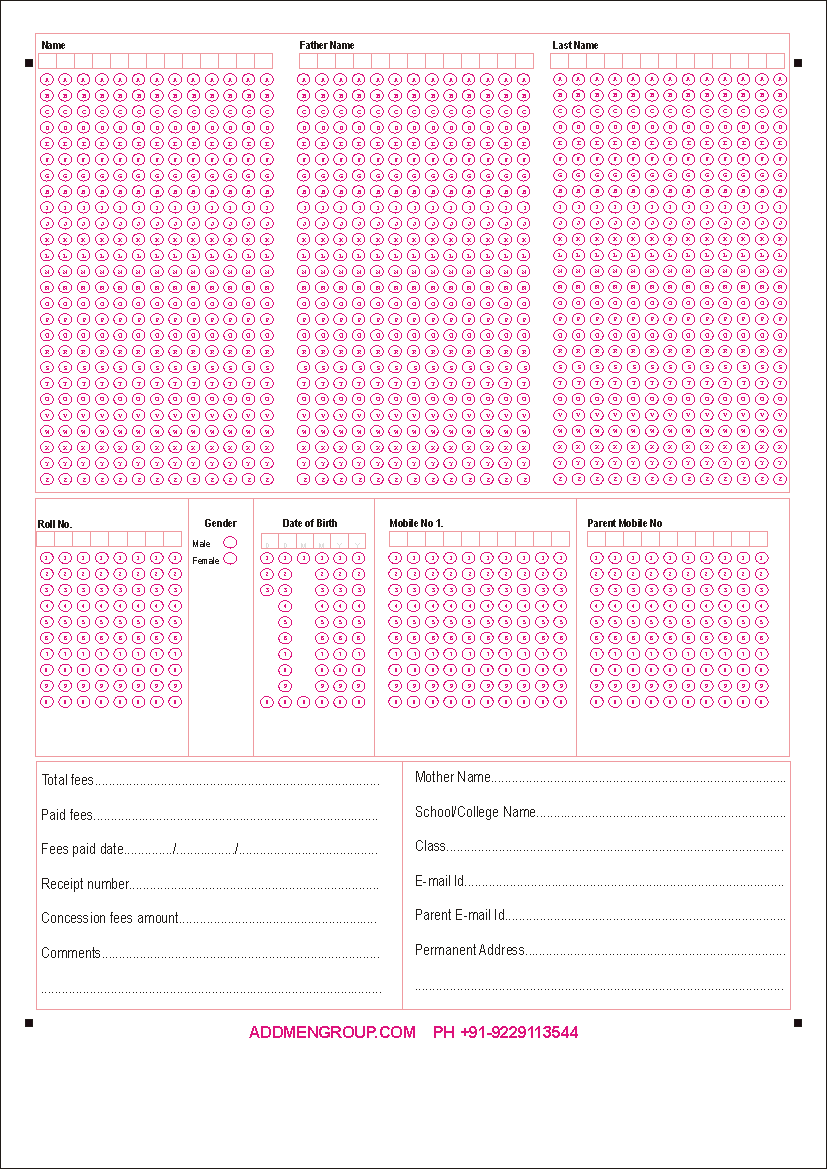
OMR Forms capture candidate or respondent information.
Common uses:
Admission & Entrance Exams
Recruitment & Assessment Tests
Surveys & Feedback Forms
Registration & Data Collection Forms
Processing is done using Addmen OMR Form Reader Software (Module B), which has form design and scanning capabilities.
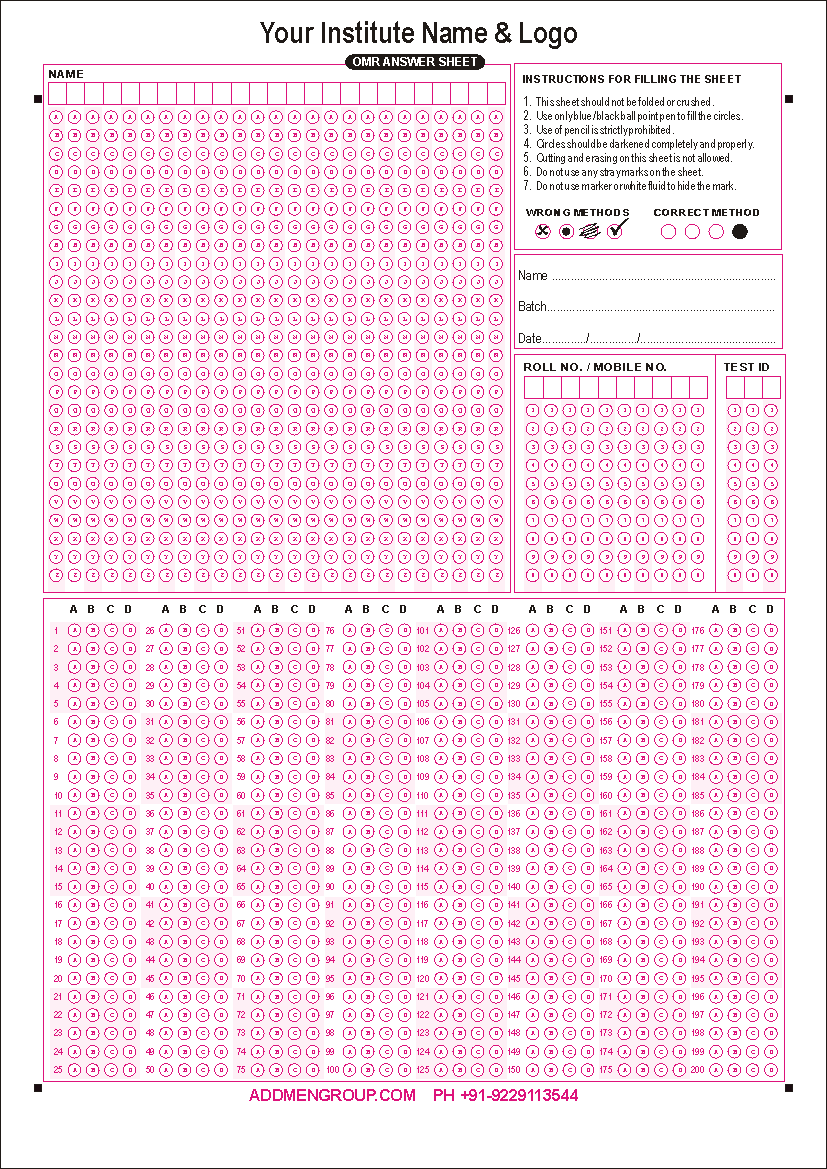
Hybrid OMR Sheets combine candidate data blocks and answer response blocks on a single sheet.
Applications include:
Hybrid sheets require Module A and Module B for complete processing.
Using Addmen OMR Software, sheets can have:
Four black index points at corners for accurate scanning
MCQ Answer Blocks
Numeric / Alpha-Numeric Blocks
Matrix Blocks for matching or True/False questions
OCR Blocks for printed numbers
Barcode Blocks for encoded identifiers
Image / Signature Blocks
Supported formats: A4, half-A4, duplex
Maximum: 300 questions per sheet
Addmen OMR software auto-corrects skewed or rotated sheets and supports legacy OMR machine layouts.
White, smooth, uncoated paper
Size: A4 or Letter
GSM: 70–100
Avoid colored, textured, or recycled paper to ensure accurate scanning
Laser Printers: Suitable for high-volume exams; provide sharp and consistent printing
Inkjet Printers: Suitable for low/medium volume; ensure non-smudging ink
Digital Presses: Professional-grade, large-scale printing
Ideal for large-scale printing
Produces uniform high-quality sheets
Suitable for exams with thousands of candidates
Highlight specific sections without affecting scanning accuracy
Recommended: Black + Pink/Yellow
Avoid Blue or Green
Used for marks, section headers, or instructions
Barcode Fields: Digital printing, font size 32–36, black color
OCR Fields: OCR-friendly fonts, font size 16–18, black color
Avoid handwritten or stamped numbers
Barcodes identify sheets; OCR captures printed codes
Scan as Image / Picture — DO NOT scan as Document
Preferred file formats: BMP or TIFF
Resolution (DPI): 100–200
Color Mode:
B/W for standard sheets
Color for sheets with images or highlights
Alignment: Ensure all four corner index points are visible
Addmen OMR software auto-corrects skewed or rotated sheets
Preferably scan as B/W (1-Bit) image
In B/W (1-Bit) mode, the approximate file size of scanned A4 sheet:
BMP: 100–130 KB
TIFF: 40–50 KB
Avoid scanning as B/W Photo (Grayscale) or Colour Photo (RGB) to keep file size minimum
You can scan as B/W Photo (Grayscale) or Colour Photo (RGB); it will work, but file size will be larger
Colour scanning can be used if sheets have photos or two-color highlights
File size will be larger than B/W scanning
Ensure proper alignment and index points for accurate detection
Flatbed: Suitable for small batch scanning; ensures high accuracy
ADF (Automatic Document Feeder): Suitable for large-volume scanning; supports duplex sheets and batch processing
Batch Processing: Addmen OMR software handles multiple sheets automatically
| Scanner Model | Speed (ppm) | Notes |
| HP ScanJet Pro 3500 f1 | 25 ppm | Flatbed + ADF, reliable daily use |
| Brother ADS-3100 | 40 ppm | High-speed batch scanning |
| Epson DS-530II | 35 ppm | Duplex ADF, two-sided sheets |
Addmen OMR Sheet solutions cover the entire lifecycle: design, printing, and scanning.
Organizations can process OMR sheets efficiently, accurately, and cost-effectively, without expensive OMR machines.
SEO Keywords: OMR sheet printing, OMR sheet scanning, OMR software, Optical Mark Reader, ADF scanner, OCR, ICR