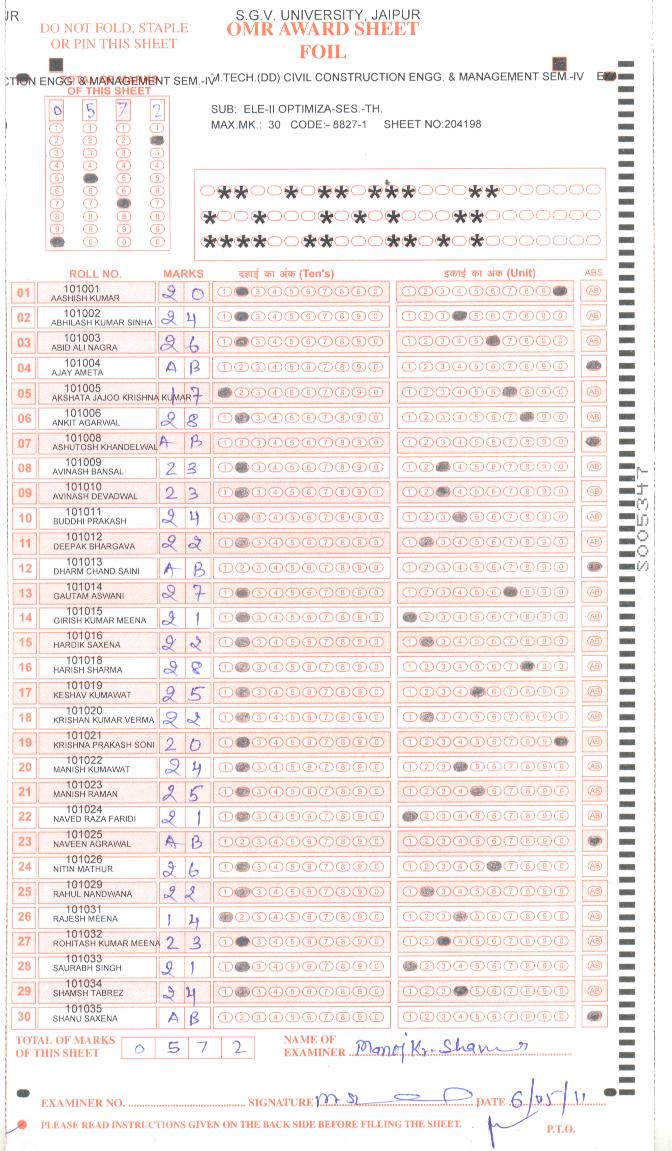
OMR (Optical Mark Recognition) sheets are evaluated using automated scanning systems. These systems are highly accurate but depend entirely on correct marking and handling of the sheet. Even small mistakes can result in scanning errors, incorrect evaluation, or rejection of the answer sheet. This page explains the most common mistakes on OMR sheets and how candidates, invigilators, and administrators can avoid them.
OMR scanners read only predefined response areas. Any deviation from the instructions, such as incorrect marking, stray writing, or poor handling, can interfere with scanning accuracy. Many rejected or misread OMR sheets are the result of avoidable human errors rather than technical issues.
One of the most frequent mistakes is ignoring or rushing through the instructions printed on the OMR sheet or question booklet. Instructions usually specify the pen colour, marking method, and rules for personal information fields.
Failing to follow these instructions often leads to invalid responses or disqualification.
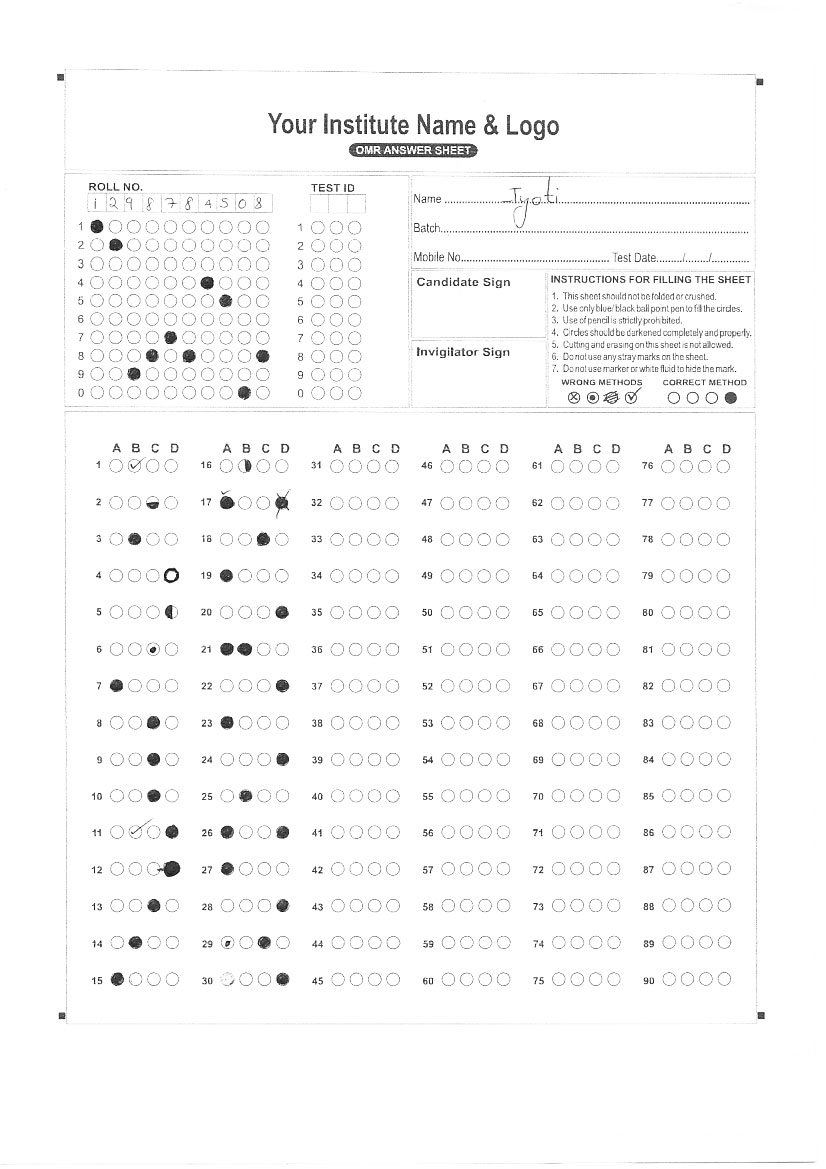
Entering incorrect roll numbers, registration numbers, or booklet codes is a critical error. Common issues include filling the wrong bubbles, skipping digits, or leaving fields blank. If the identification information is incorrect, the system cannot associate the answer sheet with the candidate, which may result in rejection.
OMR sheets are designed to work best with blue or black ballpoint pens. Using fountain pens, gel pens, sketch pens, or unauthorised ink colours can lead to poor contrast or smudging, causing scanning errors.
Always use the pen type and colour specified on the OMR instructions.
Many candidates lose marks due to incorrect shading techniques. Common problems include partially filled bubbles, tick marks or crosses instead of shading, marking more than one option for a question, or changing answers without following correction rules.
OMR scanners require one clear, fully shaded response per question.
Writing notes, calculations, or random marks anywhere on the OMR sheet can confuse the scanner. Even marks outside the answer area may be interpreted as responses, leading to misreads.
All rough work should be done only on the rough sheets provided.
Folding, creasing, stapling, or pressing heavily on OMR sheets damages alignment and index points used by scanners. Exposure to moisture, dirt, or excessive handling can also reduce scanning accuracy.
Sheets should always be handled carefully and stored flat.
In examinations using carbonless or duplicate OMR sheets, candidates sometimes submit the wrong copy. Submitting a candidate copy instead of the original can make the sheet invalid for evaluation.
Candidates should confirm submission instructions before leaving the exam hall.
Scratching, overwriting, erasing, or crossing out answers often creates additional marks that confuse scanning software. Unless the exam explicitly allows a correction method, altered responses may be considered invalid.
Errors can also occur during supervision and handling. Placing stamps or signatures near index marks, stacking wet ink sheets, or bending sheets during collection can cause scanning issues.
Proper staff training is essential to prevent avoidable evaluation problems.